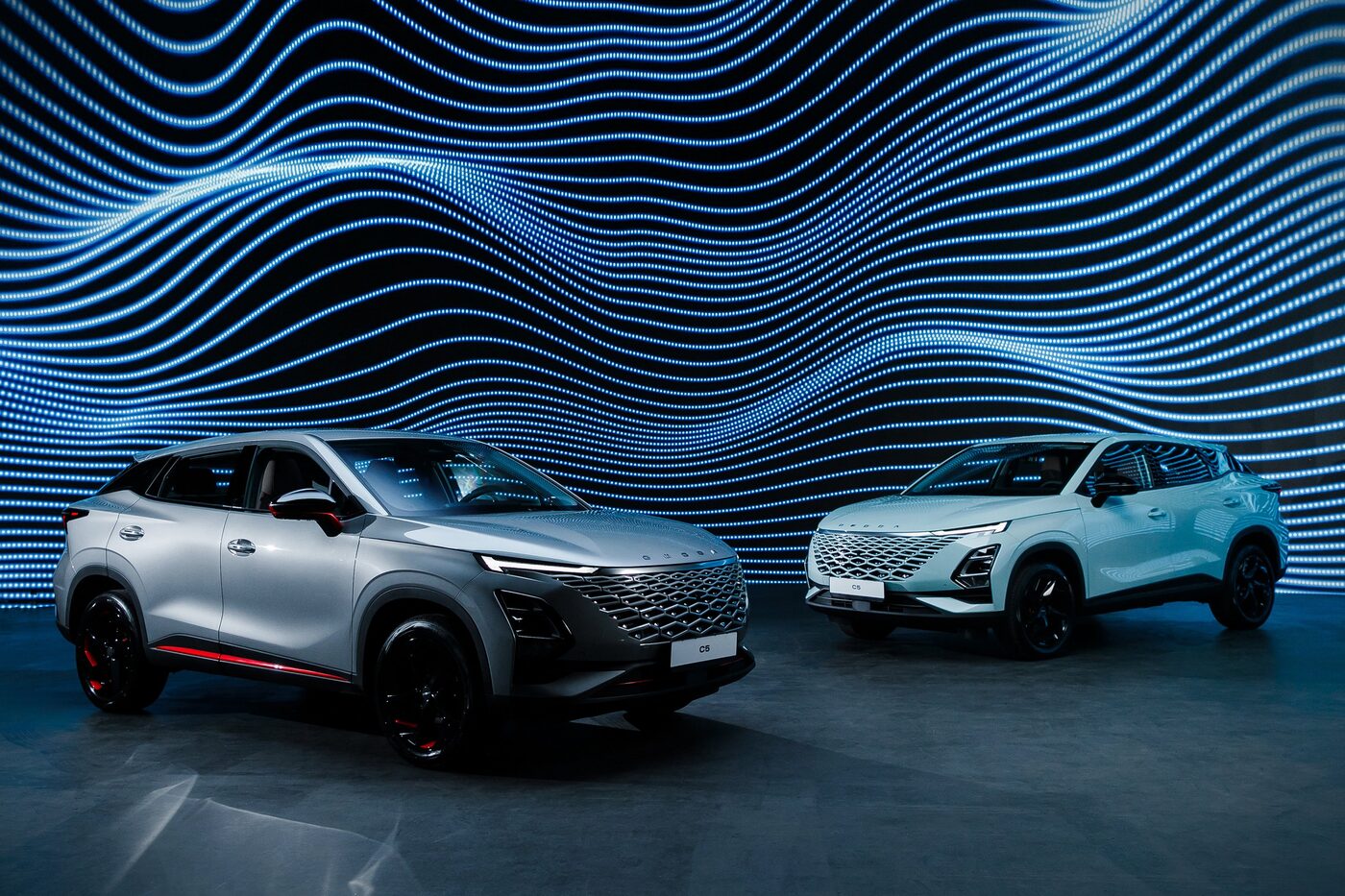
Omoda C5
Launcher for
Omoda C5
Full control over your head unit. Two apps side by side. Presets in one tap.
Learn more
Full control over your head unit. Two apps side by side. Presets in one tap.
Learn moreEvery one of them is a compromise
It turns the stock Android of the Omoda C5 head unit into a proper multitasking system. Navigation and music side by side on one screen — the way it should be.

Real screenshots from the head unit

Plenty of flexible settings

Full screen or split — your choice

Any aspect ratio

Install and remove

Enjoy the drive

Easy update system

Multilingual support
Everything you need for a comfortable drive
Navigation and music side by side on one screen. Set the ratio however you like.
Save your favourite app combinations. Navigation + music, navigation + messenger — launch with one tap.
A large, readable clock in the corner of the screen. Always visible, never in the way.
Start the car and everything is already there. Your favourite preset launches automatically.
Installed from your phone onto the head unit. No complex setup, no root required.
No freezes, no dropouts. Works directly with the system, without workarounds.
Sport mode switches on with the ★ button on the steering wheel. One press — and the car drives differently, no digging through menus.
The ambient temperature is shown on the head unit screen, so the passenger sees it too, not just the driver on the instrument cluster.
Apps written specifically for this car and integrated with it: acceleration timer, FM radio with station logos and more.
Three simple steps
A phone app or a Windows program that installs the launcher onto the head unit automatically
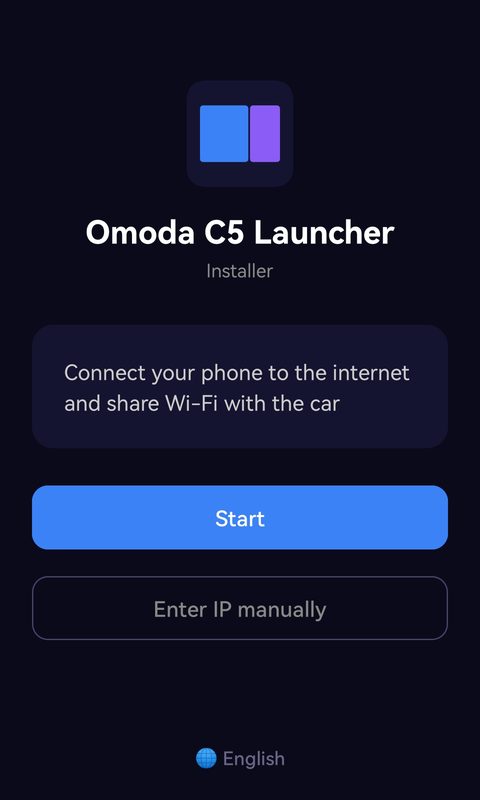
Send it from your phone to the head unit and install
Pick your favourite app combinations — and you are done!
You can use it without paying — here is how
After installing, tap “Activate later”. The launcher starts working right away.
After 12 launches, reinstall the launcher. Uninstall it and install it again — it takes about a minute. Your installed apps do not need to be reinstalled.
Extra apps — from a USB stick. Copy the APK to a USB stick and open it in Total Commander.
If you decide to buy a license, it supports the project and unlocks our own and optimised apps.